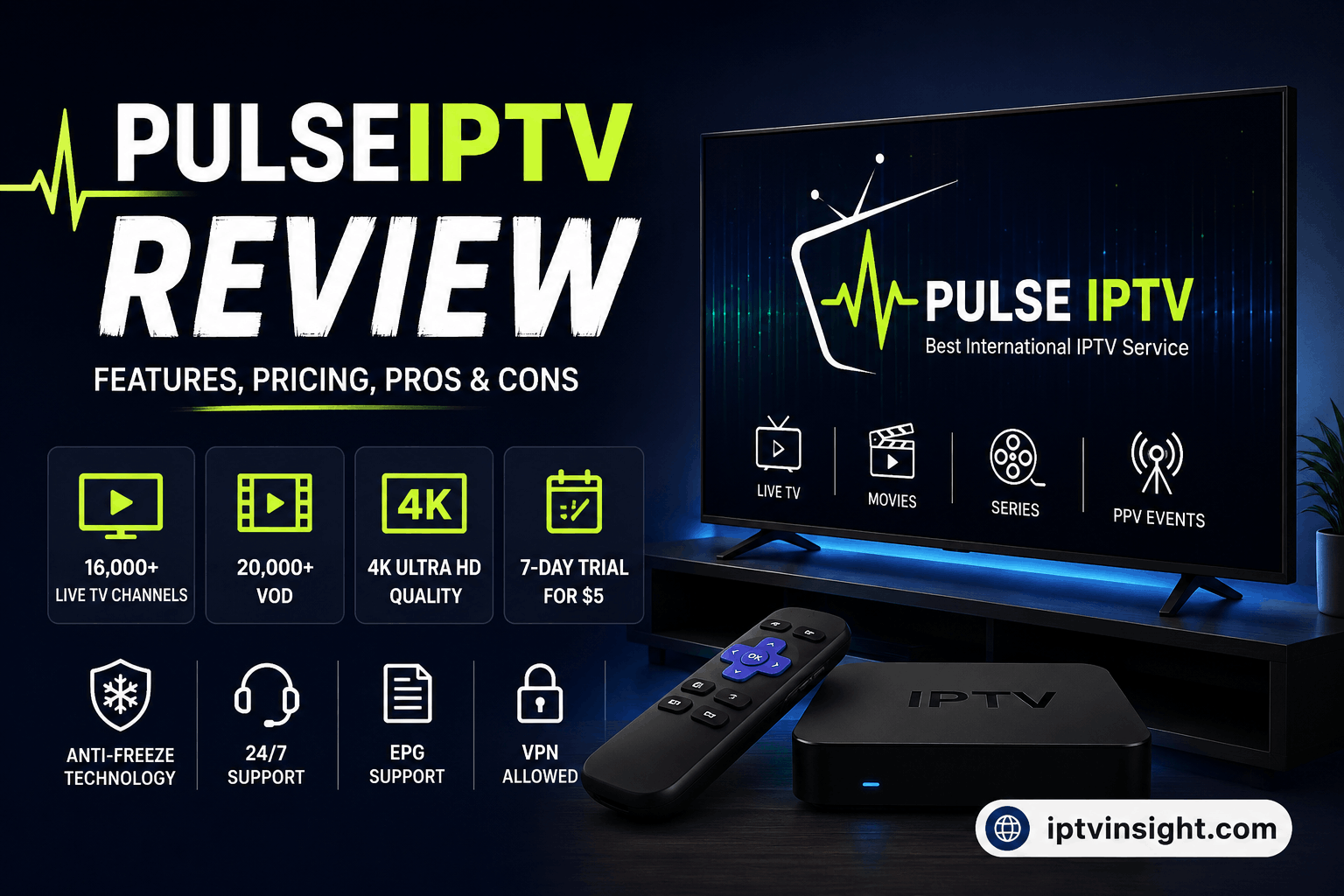

Overview
Pulse IPTV positions itself as a competitive alternative in the crowded streaming landscape, aiming to capture users looking for a balance between an extensive channel lineup and reliable high-definition playback. While many alternative providers suffer from frequent buffering or disorganized video-on-demand (VOD) libraries, Pulse IPTV focuses heavily on maintaining stream stability and organizing content logically for everyday cord-cutters.
Key Features & Performance
- Channel Lineup & Categories
- Live TV: Offers a massive catalog spanning local broadcast networks, international channels, and 24/7 news feeds. Sports fans are heavily targeted, with dedicated packages covering major pay-per-view (PPV) events, international leagues, and regional networks.
- VOD (Movies & Series): The library includes a regularly updated catalog of recent cinema releases and popular box sets. Metadata, posters, and brief descriptions are generally well-synced, making navigation smooth on compatible devices.
- Streaming Quality & Uptime
- Streams are offered in various resolutions ranging from standard definition (SD) up to crisp 1080p and 4K options (depending on the user’s base connection speed and the specific channel source).
- Uptime stability is noticeably higher than typical budget competitors, minimizing peak-hour lag during major sports events, though occasional routine maintenance disruptions can still occur.
- Device Compatibility & Integration
- The service works smoothly across a wide array of setups. It is natively compatible with Amazon Firestick/Fire TV devices, Android boxes, Smart TVs (via apps like IBO Player, Smart IPTV, or TiviMate), MAG boxes, and iOS/macOS via playlist-based apps (such as the PulseIPTV player).
- Setup is typically handled via standard M3U playlist URLs or Xtream Codes API credentials, allowing for quick deployment.
- Electronic Program Guide (EPG)
- The EPG integration is clean, providing accurate, real-time schedule updates for major channels. This makes flipping through live sports and daily programming significantly easier compared to providers that neglect guide mapping.
Pros & Cons for Consumers
- Pros:
- Clean, intuitive channel categorization.
- Solid performance during high-traffic live sports fixtures.
- Broad multi-device support with straightforward configuration.
- Decent EPG accuracy.
- Cons:
- Like most third-party streaming options, performance can occasionally fluctuate depending on local ISP throttling or network congestion.
- Customer support response times can vary during peak hours.
Final Verdict for iptvinsight.com
Pulse IPTV earns a solid rating for users seeking an all-in-one streaming package with reliable uptime and robust device support. For an in-depth review article, it hits the sweet spot for streamers who prioritize sports coverage and an organized VOD library over overly complicated interfaces.
- Recommended Rating: ⭐⭐⭐⭐ (4/5)
- Best Suited For: Cord-cutters using Firestick, Android TV, or TiviMate who want stable live sports and a reliable backup entertainment source.
Here are 3 conversion-focused Frequently Asked Questions formatted for your review page on iptvinsight.com:
Frequently Asked Questions (FAQ)
1. What devices are compatible with Pulse IPTV?
Pulse IPTV supports a wide variety of hardware and operating systems. You can use it on:
- Streaming Sticks & Boxes: Amazon Firestick, Fire TV, Android TV, and Google TV.
- Smart TVs: Samsung (Tizen), LG (webOS), and Sony via IPTV player apps like TiviMate, IBO Player, or Smart IPTV.
- Mobile & Desktop: Android phones, iPhones, iPads, Windows, and macOS via M3U playlist players or Xtream Codes API applications.
2. Do I need a VPN to stream Pulse IPTV reliably?
While a VPN is not strictly mandatory for initial setup, using a reliable VPN is strongly recommended. Major Internet Service Providers (ISPs) often throttle bandwidth during high-traffic events like live football matches or PPV streams. A VPN prevents ISP throttling, bypasses geo-restrictions, and ensures smooth, buffer-free playback.
3. How fast does my internet speed need to be for 4K and HD streaming?
To maintain a stable stream without buffering, we recommend the following minimum download speeds per device:
- Standard Definition (SD): 5 Mbps
- High Definition (HD / 1080p): 15–20 Mbps
- Ultra HD (4K Streams): 25+ Mbps with a stable, low-latency connection (preferably via Ethernet cable).